
Hood Warfare for New Android Players: One-Time Access and Cosmetic Choices
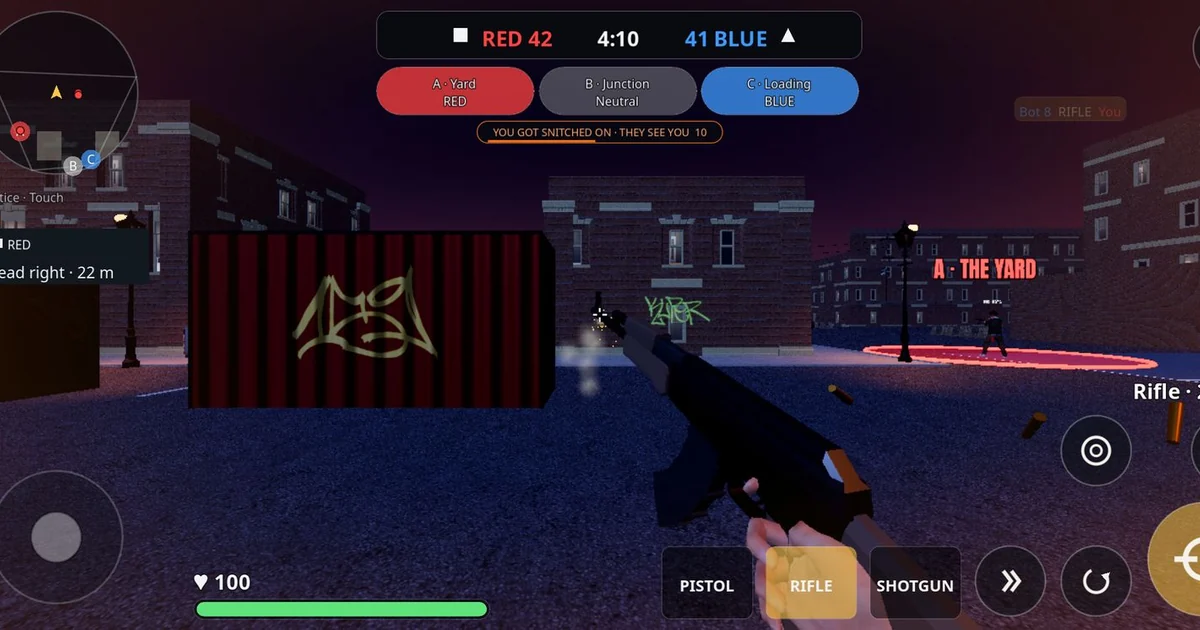
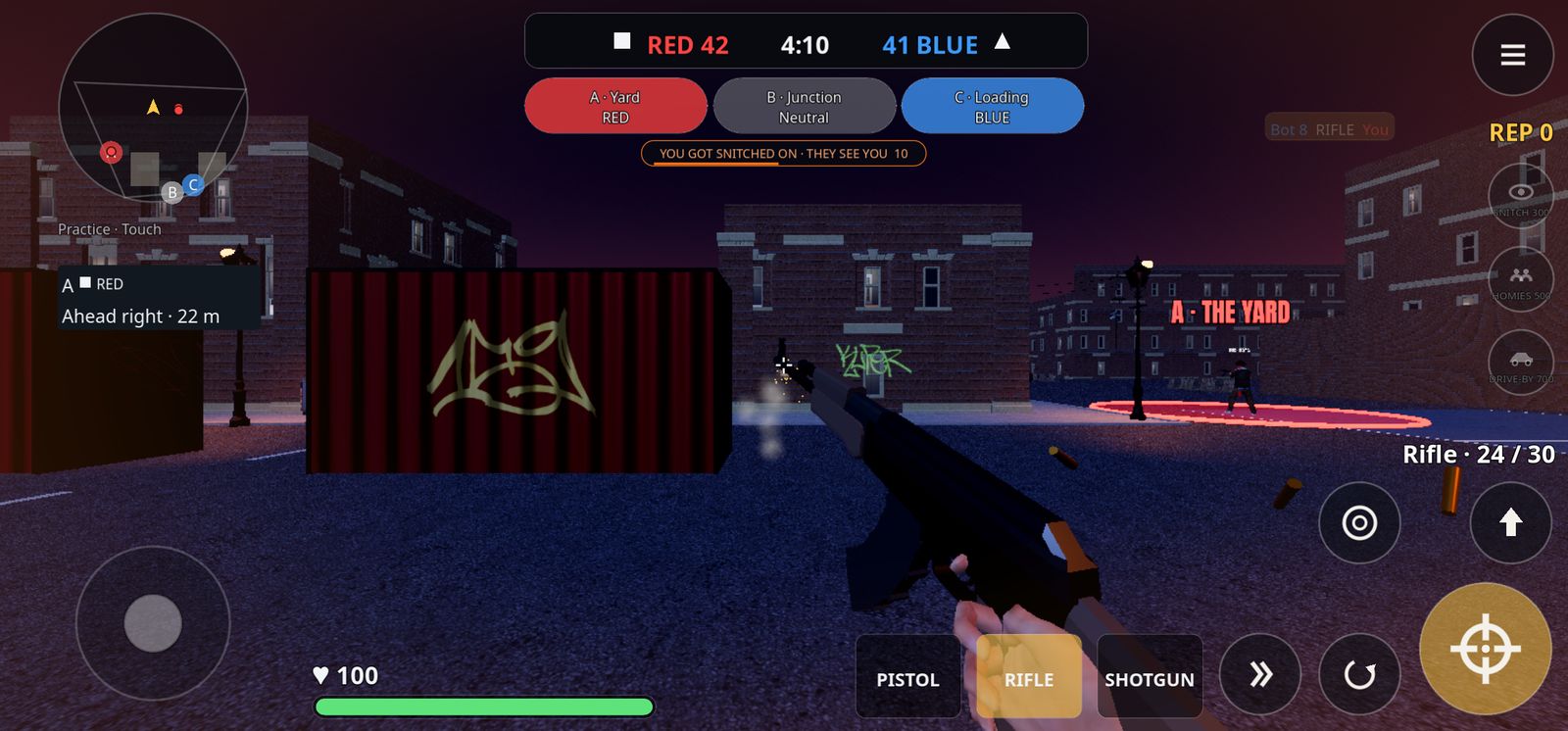
This guide is owned-network coverage from One Republican, a publication in our own network, and it is not an independent third-party endorsement. Hood Warfare is a fictional 4v4 hood turf-war shooter for Android, distributed as an APK through the official website, hoodwarfare.net, and made by ToddMichaelTV. Because the game is sold and downloaded outside a store listing, new players benefit from a short routine: confirm the terms, check the device requirements, and decide what they actually want from the game before spending anything or installing a file.
Understanding the Access Model Before You Install
The official download page, checked on 2026-10-29, lists a $1 one-time online-play unlock for new players, with no subscription, and says players who joined during the beta keep free access. Those are the terms as checked on that date, not a promise they will remain unchanged. Terms for games distributed as direct APK downloads can change, so the first step is to read the current download page yourself rather than relying on a summary, including this one.
Separate the questions you need answered: what the one-time unlock covers, whether it applies to your account or device, and whether any feature is described as coming later. Write the answers down. If the page is unclear about any of them, treat that as an open question rather than assuming the most favorable reading.
Also note what the listed terms do not tell you. A price and a subscription status say nothing about match population, server stability or how the game performs on your phone. Those are separate checks.
Checking Device Compatibility and the APK
As checked on 2026-10-29, the public download page lists v0.3.0-beta, build 74f1651, a requirement of Android 10 or newer on 64-bit devices, and an APK of approximately 290 MB. Compare these against your phone's settings under the software information section before downloading. If your device runs an older Android version or a 32-bit-only processor, the listed requirements suggest the game may not be the right fit.
Sideloaded APKs are a category where verification matters. Download only from the official site, confirm the version and build string match the download page, and check that the file size is close to the listed figure. A mismatch is a reason to stop and investigate rather than install anyway. Be aware that a newer internal API or test build appearing somewhere is not evidence that a new public APK has been released, so rely on the public download page for the current version.
Keep your phone's storage in mind as well. A roughly 290 MB download plus its installed footprint should fit comfortably on most modern devices, but low-storage phones may need to free space before installing.
Knowing What the Current Build Includes
The official site lists Turf War as available. It describes Free-for-All, Team Deathmatch and additional maps as coming in a next update. Those upcoming modes and maps should not be treated as part of the current build. If a particular mode is the reason you want to play, check whether it is listed as available before you commit.
The site also describes matches in which bots fill empty slots. That is a useful thing to understand in advance: a match may not be fully populated by human players, and your experience will depend on how the game handles those slots. No player-count figures or independent performance benchmarks have been verified, so do not assume a particular level of activity based on anything outside the official listings.
Understanding Cosmetics Versus Gameplay
The official material states that cosmetics such as weapon skins and outfits are presentation only and never change stats. That gives a clear test for any cosmetic purchase: does the item change how the game plays? According to the stated design, it does not. A skin is a visual choice, and it should be judged on whether you like how it looks, not on any expectation of advantage.
Gameplay systems work differently. Players earn rep during a match and spend it on call-ins: snitch, which reveals enemies; homies, which provide AI backup; and drive-by. The RPG cannot be bought; it spawns in roof stashes and marks the carrier on radar, which means it is a match event you find rather than an item you purchase. Reading these systems in the official material before playing helps you set expectations about what earns advantage in a match.
A Practical Checklist for New Players
Before installing, confirm the current access terms on the official download page, including whether the one-time unlock applies to you. Check your Android version and processor architecture against the listed requirements. Verify that the APK is from hoodwarfare.net and that its size and version match what is listed. Note which modes are listed as available and which are described as coming later.
After installing, play a few matches to learn the three corners of the Turf War map, the loadout slots across pistol, rifle and shotgun, and how rep and call-ins work. Decide whether cosmetics are worth anything to you, knowing they do not change stats. Reassess the terms and version periodically, since a beta build and its access terms can change.
Used this way, the checklist turns a quick download into an informed decision. Each step is something you can verify yourself on the official site.